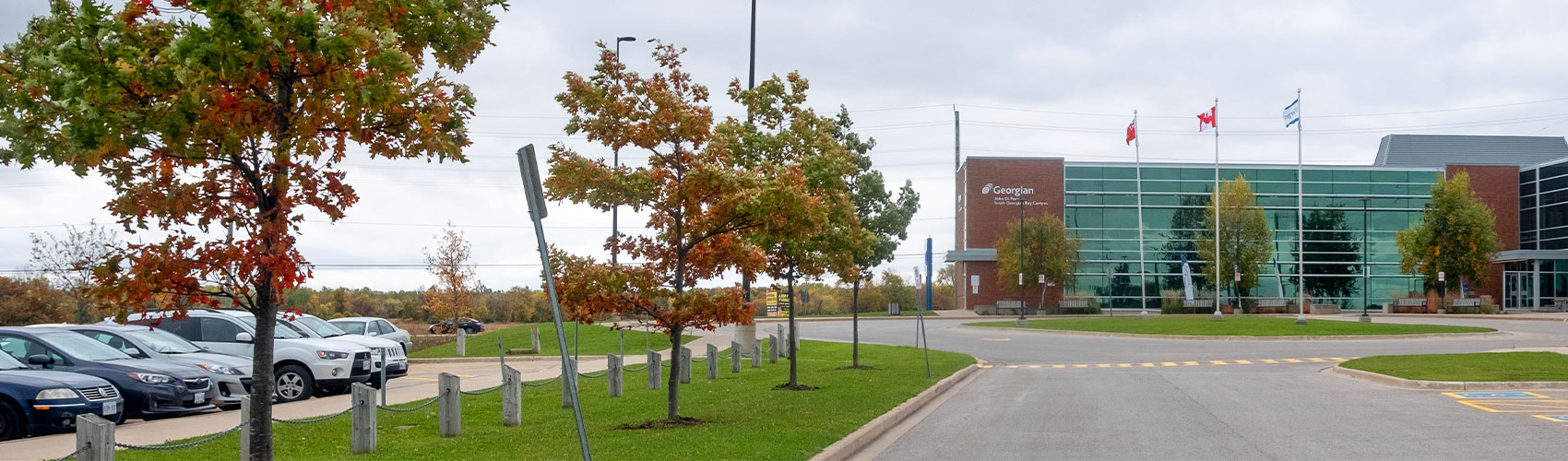
Parking
Find out more about parking options at Georgian College campuses and student residences. Explore our designated parking lots, learn how to purchase parking permits or pay for hourly or daily parking, learn about parking enforcement and more.
Updates and notifications
Parking permits are available for purchase through the parking portal.

Visitors: In Barrie, visitors may purchase hourly or daily parking through the Honk No APP| Express Checkout option or by downloading the Honk app in the App Store or Google Play. Payment is required prior to or immediately upon arrival.
Purchase your parking permit
- Go to the parking portal.
- Select Get Permits to begin.
- Click Login
- On the Customer Authentication page,
- If you are a Georgian College student or staff member, click the ‘Student & Employee Login’ button to LOGIN.
- Sign in using your Georgian College email address and password.
- If you are not a student or staff member at Georgian College, click the ‘External Member Login’ button to LOGIN.
- Sign in using your email address and password.
- If you are a Georgian College student or staff member, click the ‘Student & Employee Login’ button to LOGIN.
- Select the Get Permits button
- The Parking Permits screen will appear. Click Next.
- On the Verify Your Campus page, please choose the permit type and campus. Click Next.
- Select a monthly or semesterly parking permit.
- Click the check box after you have read and understood the above statements.
- Click Next.
- Select a Licence Plate Number you want to attach to your permit from the list, OR choose Add Vehicle to register a plate.
- Click Next.
- On the View Cart page, click Pay Now.
- On the Payment Information page, check the box next to “I have read and understand the above statement.”
- Click Pay Now.
- Enter your payment details.
- Once complete, you will see the payment receipt page with the permit details.
- Click Logout.
Frequently asked questions (FAQs)
No. Cards and hang tags are not required at the Barrie campus.
One permit per student and employee is allowed.
Each permit allows registration of up to two personal vehicles and is for the exclusive use of the permit holder.
Sharing or transferring permits is strictly prohibited.
To add a vehicle to your permit:
- Visit the parking portal.
- Select Permit.
- Select View Your Permits
- Click on the Active Permit Number.
- Scroll to the bottom of the page.
- Select the button for Add Vehicle to Permit.
- Follow the prompts.
- Click Add Vehicle.
- Note: If you have two vehicles on your permit, you must delete one from your permit before you can add another vehicle.
To delete a vehicle from your permit:
- Visit the parking portal.
- Select Permit.
- Select View Your Permits
- Click on the Active Permit Number.
- Under Associated Vehicles, click on the vehicle to be deleted.
- Click OK to confirm.
- To add a vehicle to your permit, click Add Vehicle.
- Follow the prompts.
- Note: If you have one vehicle on your permit, you must add another vehicle to your permit before you can delete a vehicle.
To add a vehicle to your account:
- Visit the parking portal.
- Select Vehicles.
- Click Add Vehicle.
To delete a vehicle from your account:
- Visit the parking portal.
- Select Vehicles.
- Choose a vehicle or plate.
- Click Delete.
- Note: There must be at least two vehicles in your account before you can delete a vehicle.
Only visitors are permitted to park in visitor lots. Students and employees must park in a daily lot, within a valid parking space.
Hourly permits can be obtained via Honk Mobile before or immediately upon arrival when parking at the Barrie Campus.
Android and iPhone users can download the free Honk app in the App Store or Google Play.
To apply, complete the Friends of Georgian application form.
No. Please park in a Reserved Clinic Client parking space in front of the Sadlon Centre for Health and Wellness and provide your licence plate number when you sign in at the clinic. Learn more about client parking.
Yes. Full-time permanent employees parking on campus who wish to have their parking deducted from payroll must register on the parking portal for a payroll parking permit.
On-campus parking
Parking systems used at Georgian campuses
Parking varies across Georgian’s campus locations.
- At the Barrie Campus (1 Georgian Dr.), we use Honk Mobile to pay for hourly and daily parking. Monthly and semester permits are available.
- At the downtown Barrie location (5 Ross St.), monthly and semester permits are available.
- At the Midland, Orillia, and Owen Sound campuses, we use an automated parking gate system. Monthly and semester permits are available.
- Currently, there are no parking systems at the Muskoka (Bracebridge) and Orangeville campuses.
- Parking on campus is on a first-come, first-served basis in all parking areas.
- Metered and/or reserved lots are for use by visitors conducting day-to-day business at the college.
- Regardless of campus location, all parking permit holders must keep their profiles up to date in the parking portal.
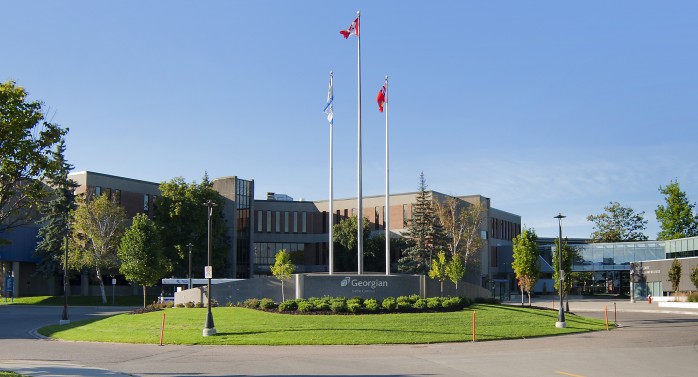
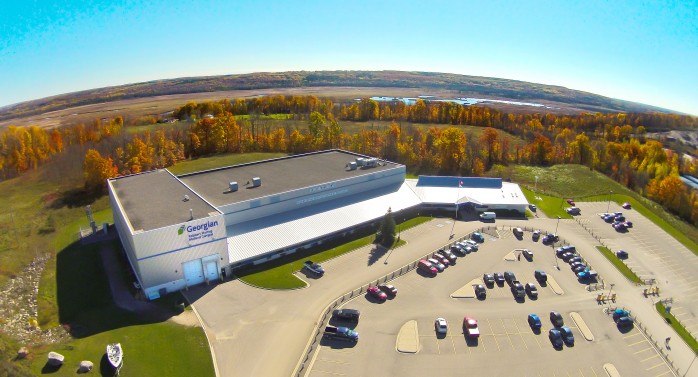
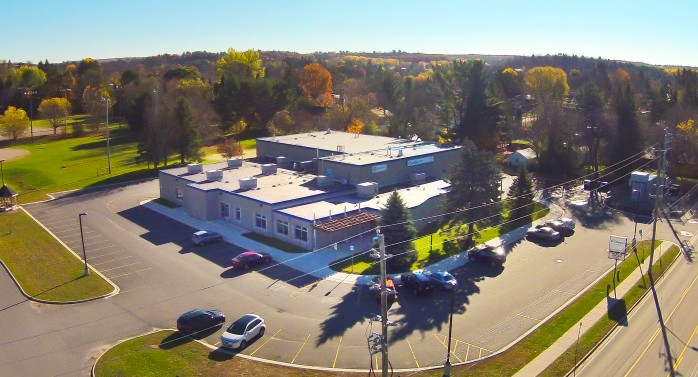
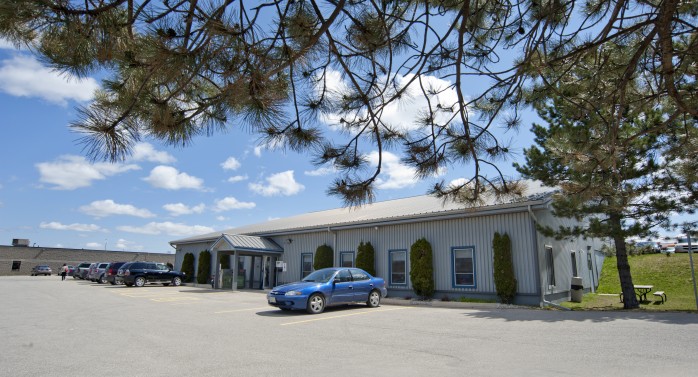
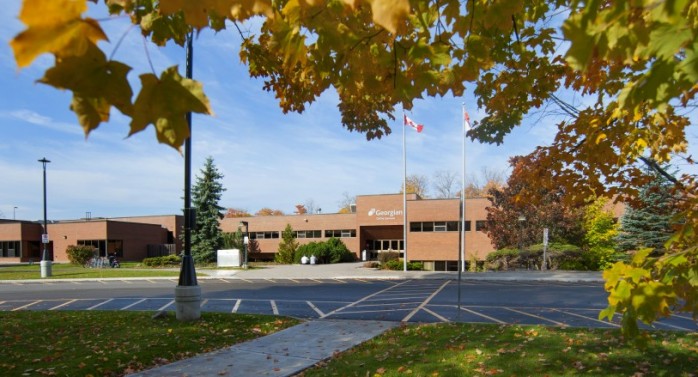
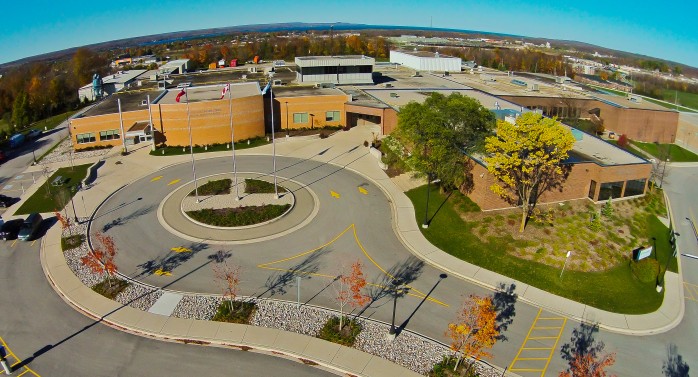
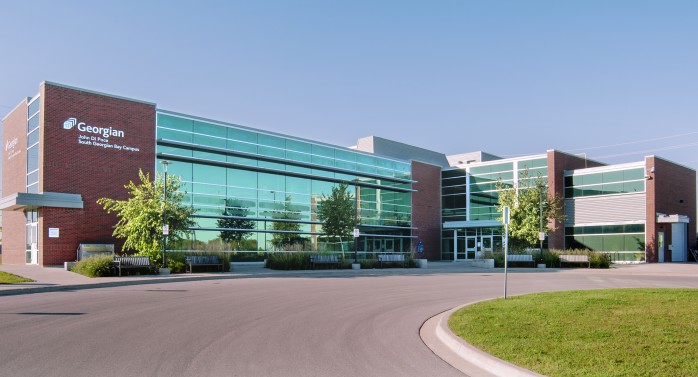
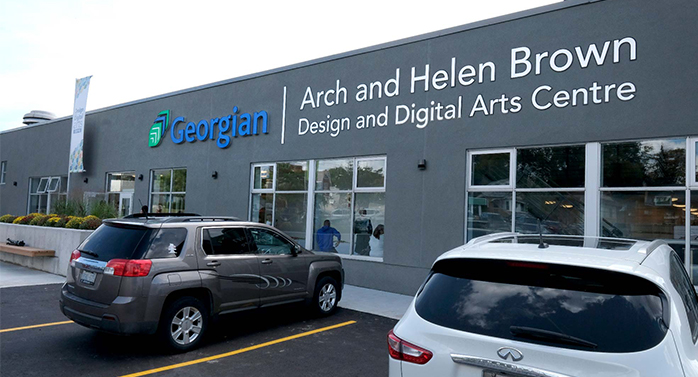
Select your campus
Locate your campus location below and click to view specific parking information, including rates.
Monthly and semester parking
Parking permits can be purchased or renewed online through the parking portal for one semester or monthly. Parking on campus is on a first-come, first-served basis in all parking areas.
Daily and hourly parking
Hourly or reserved lots are for use by visitors conducting day-to-day business at the college.
- In Barrie, parking can be purchased daily or hourly using Honk.
- Payment must be made prior to or immediately upon arrival.
- Daily and hourly permits can be purchased via Honk Mobile.
- Android and iPhone users can download the free Honk app in the App Store or Google Play.
Event parking
For events such as convocation and Open House, where all parking spaces are open to guests, Georgian will not patrol the lots for payment-related matters during the designated time period, and Honk Mobile will not accept payments. For other events, you may receive a code to enter into Honk Mobile to waive your parking fees.
Parking rates
| Duration | Rate |
|---|---|
| Hourly | $4 |
| Daily | $7 |
| Month | $54.09 |
| Semester | $206.85 |
Parking Office
Barrie Campus
Parking Office –Outside C301
One Georgian Dr.,
Barrie ON L4M 3X9
Review campus map
Phone: 705.722.1584
Hours of operation: Monday to Friday, 8 a.m. to 3 p.m.
Semesterly parking
At the downtown Barrie location, there are two options for parking:
- Outdoor parking: A parking permit and hang-tag is required.
- Underground parking (staff): A parking permit and access fob are required.
Parking permits
Parking permits can be purchased for one semester or monthly online through the parking portal.
All parking permit holders must ensure their licence plates are listed on the parking portal and are up to date at all times. Parking at the downtown location is on a first-come, first-served basis.
Access fobs
- Access fobs are available on a first-come, first-served basis through the Parking Office at the main Barrie Campus.
- A $100 deposit is required.
- Valid ID must be presented for pick up.
- An active parking permit is required.
- Underground access fobs may be requested in one-semester terms.
- Once a fob is issued, the fob must be returned on or before the semester end date.
- Lost or stolen fobs must be reported to the Parking Office immediately.
- Fob deposits are subject to change without notice.
Daily and hourly parking
There are currently no options for daily or hourly parking at the downtown Barrie location. Please refer to City of Barrie parking options.
Parking rates
| Duration | Rate |
|---|---|
| Semester | $206.85 |
Parking Office
Please contact the Parking Office at the main Barrie Campus.
Barrie Campus
Parking Office –Outside C301
One Georgian Dr.,
Barrie ON L4M 3X9
Review campus map
Phone: 705.722.1584
Hours of operation: Monday to Friday, 8 a.m. to 3 p.m.
Parking gates
- While on campus, go to www.honkmobile.com, or download the HONK app, and either login or create an account. You will be able to search the campus address.
- You will be able to purchase parking for that day at the daily rate of $7 and receive a QR code to your email to scan at the gate to exit.
- This QR code will allow two exits for $7 on the same day for the same vehicle.
Daily payment: you can pay only with Visa, Mastercard, Debit, or digital wallet connected to a Visa, Mastercard or debit account at the gates upon exit.
- If you have no other method of payment, the cost per exit will be added to your parking account; to be paid through the parking portal within 14 days.
- The parking office will require your student or employee number to confirm your personal details.
- If you’re using a digital wallet, ensure you have a physical card in case there’s an error with your cell phone/digital wallet.
- If you’re exiting more than seven times a month, buying a monthly permit is more cost-effective.
- Monthly or semester permits are available for purchase through the parking portal.
Parking permits
Parking permits can be purchased for one semester or monthly online through the parking portal. Parking on campus is on a first-come, first-served basis in all parking areas.
- If you are a student and do not have an active parking permit linked to your student OneCard, you will need to use the daily payment option to exit the gates.
- If you are an employee and have a parking gate card linked to an active parking permit from another campus, your card will provide access to all campuses with parking gates.
- If you’re a Barrie-based employee with a parking permit and frequently travel to other campuses but do not have a gate card, please visit the Parking Office to obtain one.
If your card is lost or stolen, report it immediately to the Parking Office so the gate card can be cancelled.
- A $20 non-refundable replacement fee will be required before a replacement card is issued. Please attend your campus parking office to complete this process.
- All parking permit holders must ensure their licence plates are listed on the parking portal and are up to date at all times.
Events and parking promotional codes
For events such as convocation and Open House, where all parking spaces are open to guests, Georgian will not enforce payment-related matters during the designated time period. For other events, you may receive a promotional code from the event host to cover your parking fees.
Parking rates
| Duration | Rate |
|---|---|
| Hourly | $4 |
| Daily | $7 |
| Month | $53.55 |
| Semester | $204.80 |
Parking Offices by campus
Midland Campus
Main Office
649 Prospect Blvd.
Midland, ON L4R 4L3
Review campus map
Phone: 705.722.1584
Owen Sound Campus
Welcome Centre
1450 8th St. E.
Owen Sound, ON N4K 5R4
Review campus map
Phone: 705.722.1584
Currently, there are no parking systems at the Muskoka and Orangeville campuses.
Parking lot maps by campus
Click on the maps below to view designated parking lots by campus.

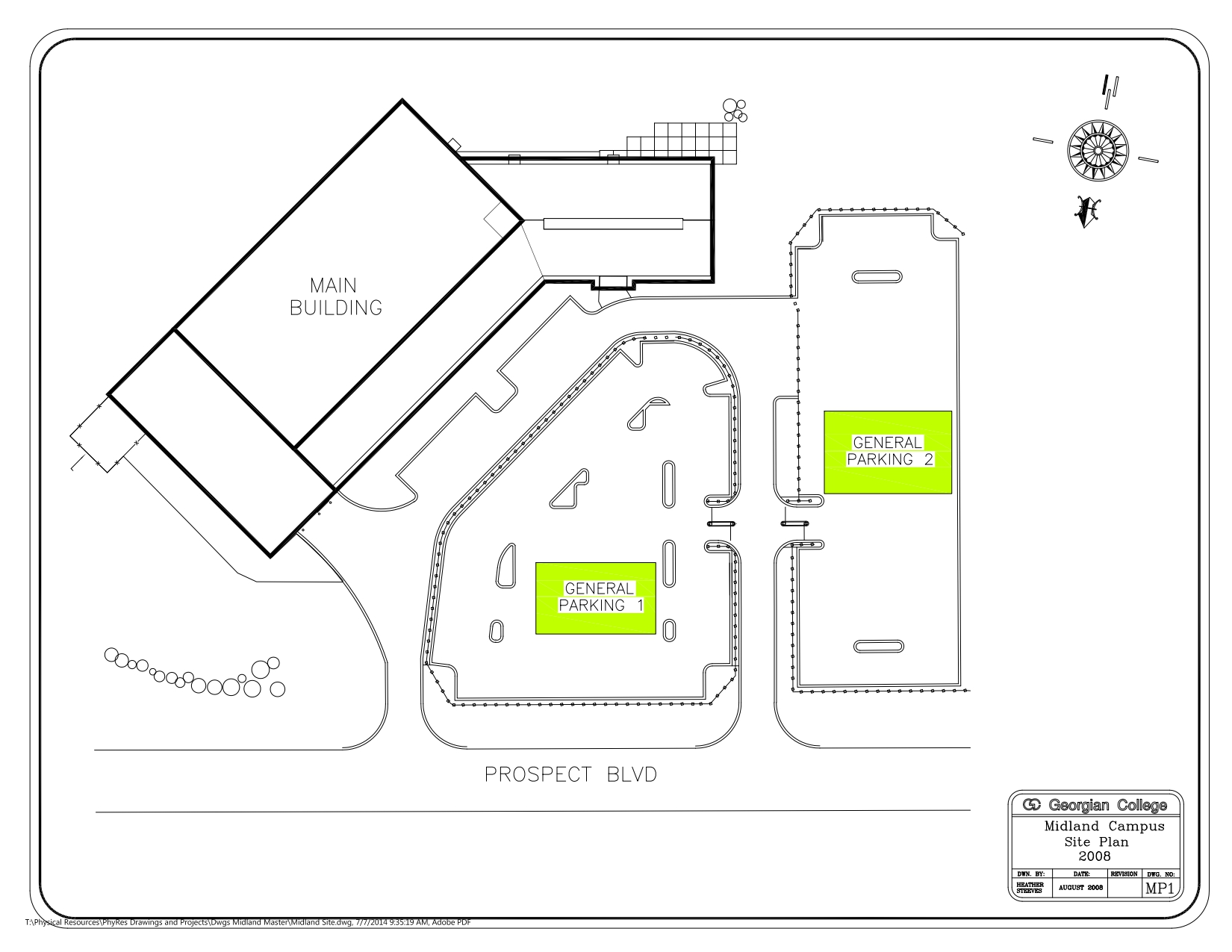

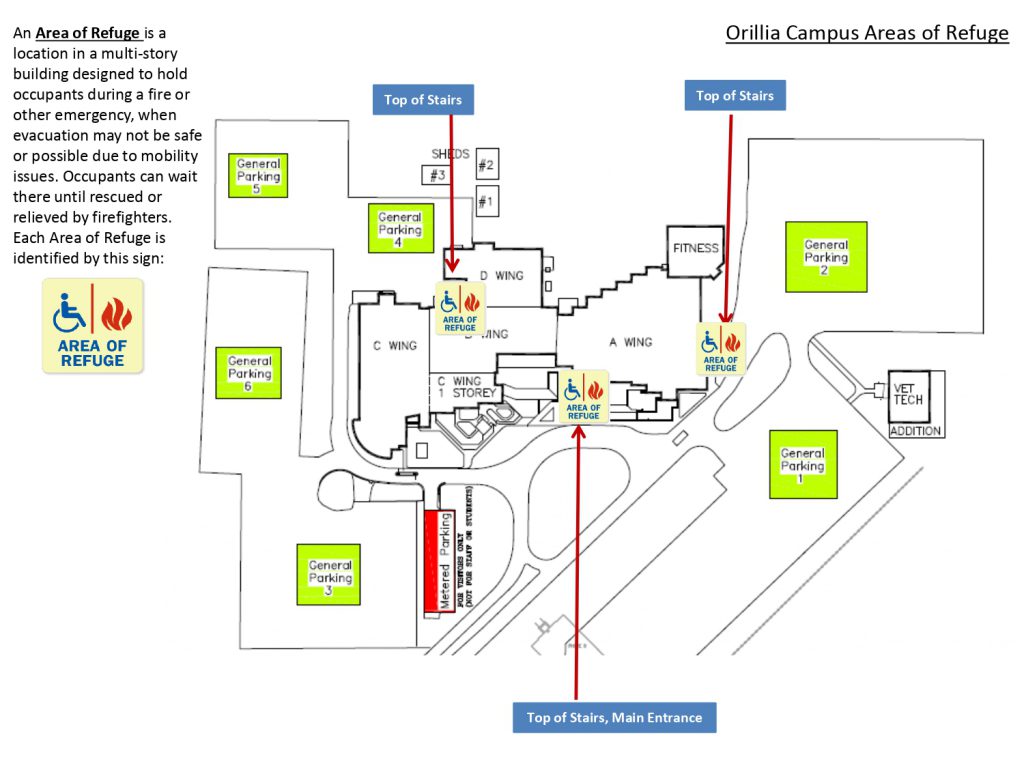

Student residence parking
Parking at Georgian’s student residences
- Students living in Georgian’s Barrie, Orillia, and Owen Sound residences can purchase parking permits for one semester or monthly.
- Visitor parking (including overnight guest parking) varies by student residence. Please check the parking information for your residence.
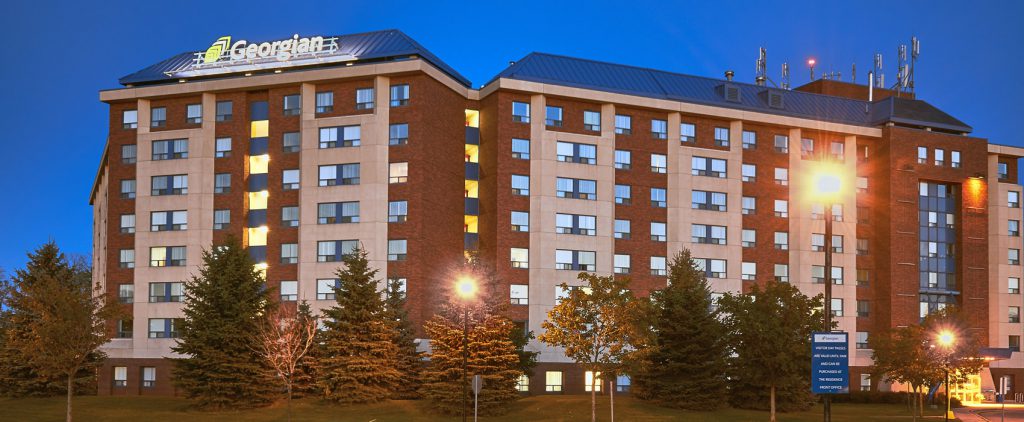
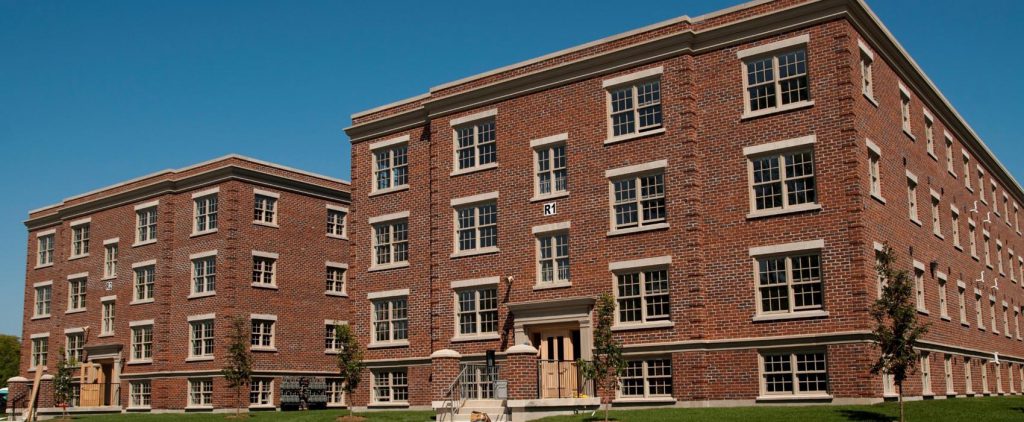
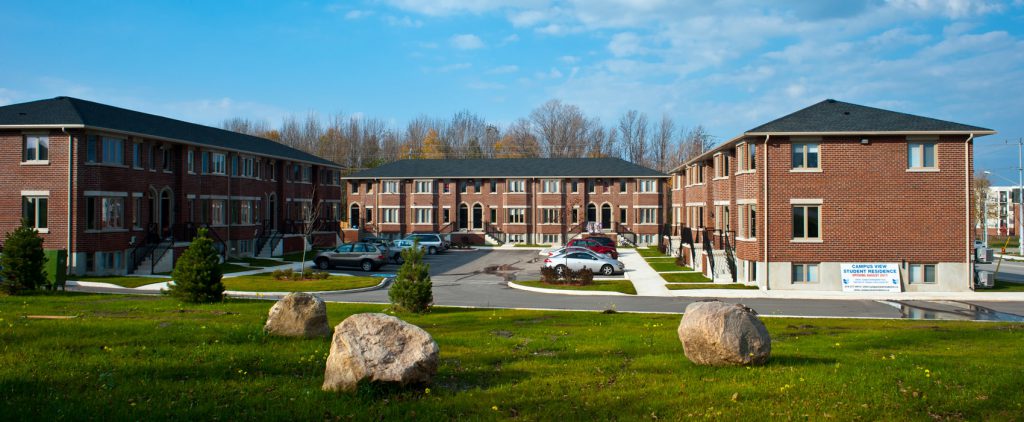
Select your residence
Locate your student residence below and click to view specific parking information.
Resident parking
- Students living in the Barrie Residence can purchase one-semester or monthly parking permits in the parking portal.
- Students are required to park in the residence lot overnight.
Visitor parking
All guests are required to check in at the Residence Front Desk.
Daytime parking
- Hourly visitor parking may be purchased for zone 9520 through Honk Mobile.
- Download the free Honk Mobile app in the App Store of Google Play.
Overnight guests
- Overnight guests can purchase parking Here.
Parking rates
| Duration | Rate |
|---|---|
| Monthly | $75.62 |
| Semester | $302.48 |
| Hourly visitor parking | $4 |
| Daily visitor parking | $7 |
| Overnight guest parking in residence lot only | $10 |
The Orillia Residence is professionally operated and managed by Campus Living Centres. Residence parking is regulated and controlled by the Campus Living Centres.
Resident parking
The Orillia Residence has dedicated on-campus parking, located right next to the residence, and requires a parking permit.
- Residents may purchase a parking pass from the Georgian College Residence.
- Residents who are unable to secure a residence parking space may purchase a one-semester or monthly parking permit on the parking portal.
- If you do not have an active parking permit linked to your student OneCard, you will need to use the daily payment option to exit the gates.
- No parking is allowed in the campus lots overnight, with the exception of the residence parking lot.
Visitor parking
Overnight guests
- Parking is permitted in the gated lot beside the Orillia Residence (General Parking Lot 1).
Parking rates
| Duration | Rate |
|---|---|
| Monthly | $75.62 |
| Semester | $302.48 |
The Owen Sound Residence is professionally operated and managed by Campus Living Centres. Residence parking is regulated and controlled by the Campus Living Centres.
Resident parking
There are limited designated parking spaces available for residents. Students without a designated parking space for their vehicles may request a parking permit to accommodate (overflow) parking in a designated area in the General Parking Lot 2.
Students living in the Owen Sound Residence who do not have a parking space in the residence lot and require overnight parking must purchase a residence parking permit on the parking portal.
- Residents may purchase a parking pass directly from the Georgian College Residence.
- Residents who are unable to secure a residence parking space may purchase a one-semester or monthly parking permit on the parking portal.
- If you do not have an active parking permit linked to your student OneCard, you will need to use the daily payment option to exit the gates.
- Overnight parking is not permitted in the main campus lots, except in the designated residence parking area with an active Georgian residence permit.
Visitor parking
Daytime visitors
- Daytime visitors must purchase parking at the standard daily campus rates.
- Parking is available in General Parking Lots 1, 2 or 3.
- The fee applies each time you exit the parking area.
- Note, parking fees are subject to change without notice.
Overnight guests
- Overnight guest parking is prohibited at the Owen Sound Residence.
Parking rates
| Duration | Rate |
|---|---|
| Monthly | $75.62 |
| Semester | $302.48 |
Parking portal information
The parking portal is where you can purchase or renew parking permits, manage your parking system profile including your vehicle and licence plate information, pay for parking citations and more.
No. Parking permits can be purchased online at any time (24/7).
Monthly permits are valid from the first of the month to the end of the month.
Semester permits are valid per semester;
- Fall – Sept. 1 to Dec. 31
- Winter – Jan. 1 to April 30
- Summer – May 1 to Aug. 31
Yes. In Barrie Daily and hourly parking can be purchased in advance via Honk Mobile. In Midland, Orillia, Owen Sound and South Georgian Bay campuses, daily parking is paid by Visa, Mastercard, debit or digital wallet upon exit.
Yes. You need to ensure your payroll permit is Active and your current plate information is up to date in your profile in the parking portal.
No. Permit sharing is not permitted. Only one vehicle may be parked on campus at a time under a single permit.
If both vehicles are on campus simultaneously, each must have a valid permit or payment for that time period.
Yes. You can register up to two personal vehicles under your permit.
Please note that only one vehicle associated with an active permit may park on campus at a time.
Active permits allow for one vehicle to park on campus per day.
If two of your personal vehicles are on campus at the same time (due to extenuating circumstances), each vehicle must have its own active permit and Honk payment.
Yes, you can update your profile at any time.
We recommend removing any rental vehicle from your account once it’s returned. If you do not remove the plate and someone else receives a violation with that plate, the violation will be linked to your account.
Yes. Under the Ministry of Transportation (MTO) requirements, everyone is responsible for ensuring their plate is visible and readable. The licence plate recognition system will flag unreadable or absent plates, and a citation may be issued.
No. Please use the parking portal to obtain and manage parking permits.
If you require assistance, please contact the Parking Office.
No. It is your responsibility to ensure that your license plate information is current and accurate in your Parking Portal profile.
Yes. Once you link a vehicle to your profile, you are responsible for any violations attached to that plate or vehicle.
Honk Mobile information
Honk Mobile is used at Georgian’s Barrie Campus to purchase hourly and daily parking permits. Honk Mobile is available through the Honk Mobile app (App Store or Google Play), online at HonkMobile.com, or at a kiosk located in our on-campus parking lots.

No, you may use the No App Express Checkout option or scan the QR code located in the parking lots upon arrival.
Android and iPhone users can download the free Honk Mobile app in the App Store or Google Play.
Yes, Honk Mobile is available for all iPhone and Android devices, as well as all internet-enabled computers.
Once you’ve downloaded the Honk Mobile app, you can sign up with four pieces of information:
- email address
- mobile phone number
- licence plate
- payment information
A payment method isn’t required to sign up for a Honk Mobile account. However, you’ll need a valid VISA, MasterCard, American Express, Visa Debit, Masterpass or PayPal account to pay for your parking session. You can add as many payment methods as you like.
Once you’ve paid for parking, Honk Mobile will email or text you a receipt. You can view all your transactions by visiting the receipts page in your profile.
Mistakes happen. Please make another purchase immediately with the correct licence plate so you don’t get a citation, and then email both invoices to parking@georgiangollege.ca. Honk will refund the first purchase.
Honk Mobile provides Georgian with a real-time list of paid plates. You don’t need a ticket stub or receipt on your dashboard.
Honk Mobile will ensure Georgian receives the most up-to-date information for paid plates, but mistakes can happen. Please ensure you entered the correct licence plate. If a ticket is issued incorrectly, submit an appeal for the citation and include your Honk receipt in the area provided.
Definitely. Honk Mobile can send you a text message 15 minutes before your parking session is about to expire. If you’re running late or need more time, you can easily extend your session right from your phone.
No. Overnight parking is not permitted in the daily lots. All vehicles must be off-site by 11 p.m.
Parking violations and enforcement
Parking lots at all Georgian College campuses are private property. Parking a vehicle on campus constitutes an agreement on the part of the motorist to abide by the rules and regulations approved by the college community as outlined in the Traffic and Parking Procedures.
Violation notices are issued for a number of parking offences that contravene these rules and regulations. All violations are issued in accordance with the Trespass to Property Act. Failure to honour accounts may result in loss of parking privileges, towing of vehicles, issuance of a trespass notice banning the offender’s vehicle from campus, or sealing of academic records or any combination thereof.
Designated parking spots for persons with disabilities are located in parking areas within college grounds. Only vehicles displaying valid Ontario Ministry of Transportation (MTO) Accessible Parking Permits (APP) may park in these barrier-free designated areas. Drivers of these vehicles are subject to the same rules and regulations and pay the same fees as all others parking on campus.
Individuals being dropped off or picked up and not using parking facilities are asked to make arrangements through their program office for exit at no cost to the drop-off or pick-up vehicle. Georgian College security and municipal by-law officers will issue citations and/or tow vehicles in cases of abuse of designated parking spaces on campus.
If your licence plate is not in the system or not readable, you could get a parking citation.
If you do not update your parking profile, the plate recognition system will scan all vehicle plates on the Barrie Campus, and your plate could be flagged and subject to a citation if it’s not in the system. It’s very important to ensure that your plate information is up to date in the parking portal (for monthly or semester parking permits) or registered in Honk Mobile (for hourly or daily parking).
Under Ministry of Transportation (MTO) requirements, everyone is responsible for ensuring their licence plate is visible and readable. Unreadable licence plates will be flagged by the licence plate recognition (LPR) system and a citation could be issued.
All appeals are to be submitted online through the parking portal within 14 days of the notification date. Normally, parking appeals are reviewed within 14 business days for consideration depending on the volume of appeals.
A valid appeal may only be based on the contention that a violation was issued contrary to the parking and traffic regulations or in error.
| Violation | Set Fine |
|---|---|
| Administrative fee | $30 |
| Double parked | $45 |
| No valid payment | $45 |
| Permit Not Valid in Lot/Space | $45 |
| Obstructing a walkway | $45 |
| Park/drive on a boulevard/turf | $45 |
| Parked at the end of aisle | $45 |
| Parked blocking other vehicles | $45 |
| Parked in an unauthorized area | $45 |
| Parked on a roadway | $45 |
| Unauthorized overnight parking | $45 |
| Damaged/Obstructed Plate | $45 |
| Plate not facing roadway | $45 |
| Parked in EV space- not charging | $150 |
| Driving wrong way on one-way | $50 |
| Obstructing an AODA access | $100 |
| Obstructing a loading zone | $100 |
| Parked in a reserved area | $100 |
| Parked in a fire/emergency route | $100 |
| Parked in Clinic Parking without Validation | $100 |
| Obstructing or altering permit | $100 |
| Obstructing or altering plate | $100 |
| Using a lost or stolen card | $200 |
| Failing to pay on exit | $250 |
| Lead/follow out without payment | $250 |
| Careless or reckless driving | $250 |
| Improper use of a parking permit | $250 |
| Parked in an AODA space – no APP | $300 |
| Towing charge | TBD** |
| Damage to facilities | $250* |
| Collection fee | To be determined |
Fines must be paid within 14 days of the ticket being issued. Failure to pay will result in academic records being sealed, parking privileges being revoked and vehicles being towed if found on campus.
To pay a citation, please visit the parking portal.
See below for a list of violations and the associated fines.
*plus the cost of damages
**all costs related to towing onsite and offsite are the sole responsibility of the vehicle owner and are determined by the towing company at the time of vehicle removal
Requests for temporary permission to leave a vehicle in a parking lot overnight should be directed to the Parking Office in advance. Arrangements made in this manner will avert expensive parking fines or towing charges.